
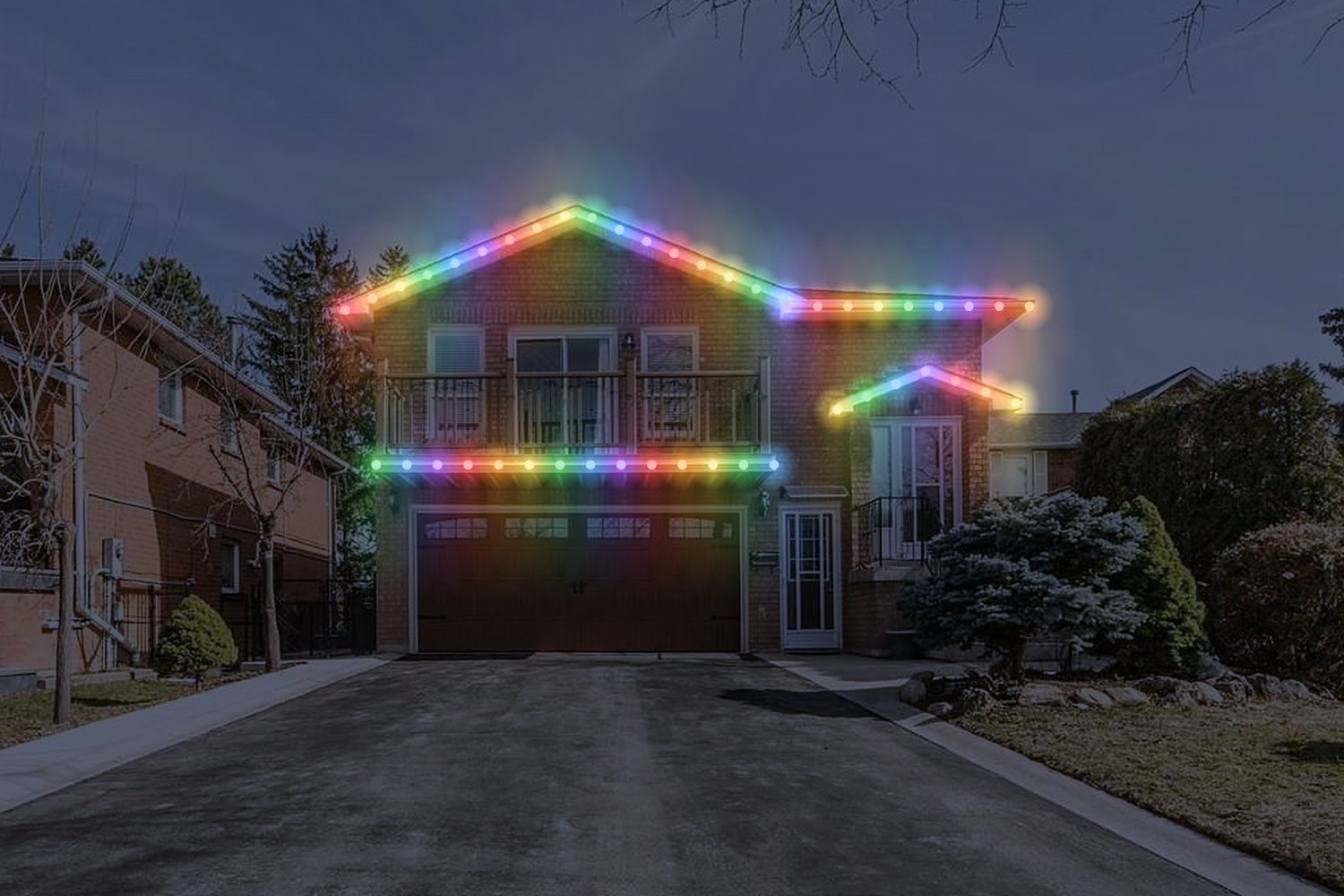
Try it on a home
Add a photo of a home, trace the roofline with a few taps, and try colours and light modes. The photo stays on your device.
Loading the sample home.
Scene
Light mode
DaylightNight
CloserWider
SmallerLarger
Your photo stays on your device. It is not uploaded or stored. Pictures carry the Everstone Lights mark. This is a preview to give you the idea, not an exact picture of a finished job.
For a good result
Stand back
Use a photo taken from the street, with the whole roofline in view.
Tap the corners
Tap each end, corner and peak of the roofline. Lights fill in between your taps.
One line per section
Start a new line for the garage, a porch, or any part that isn't joined to the rest.